WAZIPER BUTTON SYSTEM Reseller Software for Whatspp
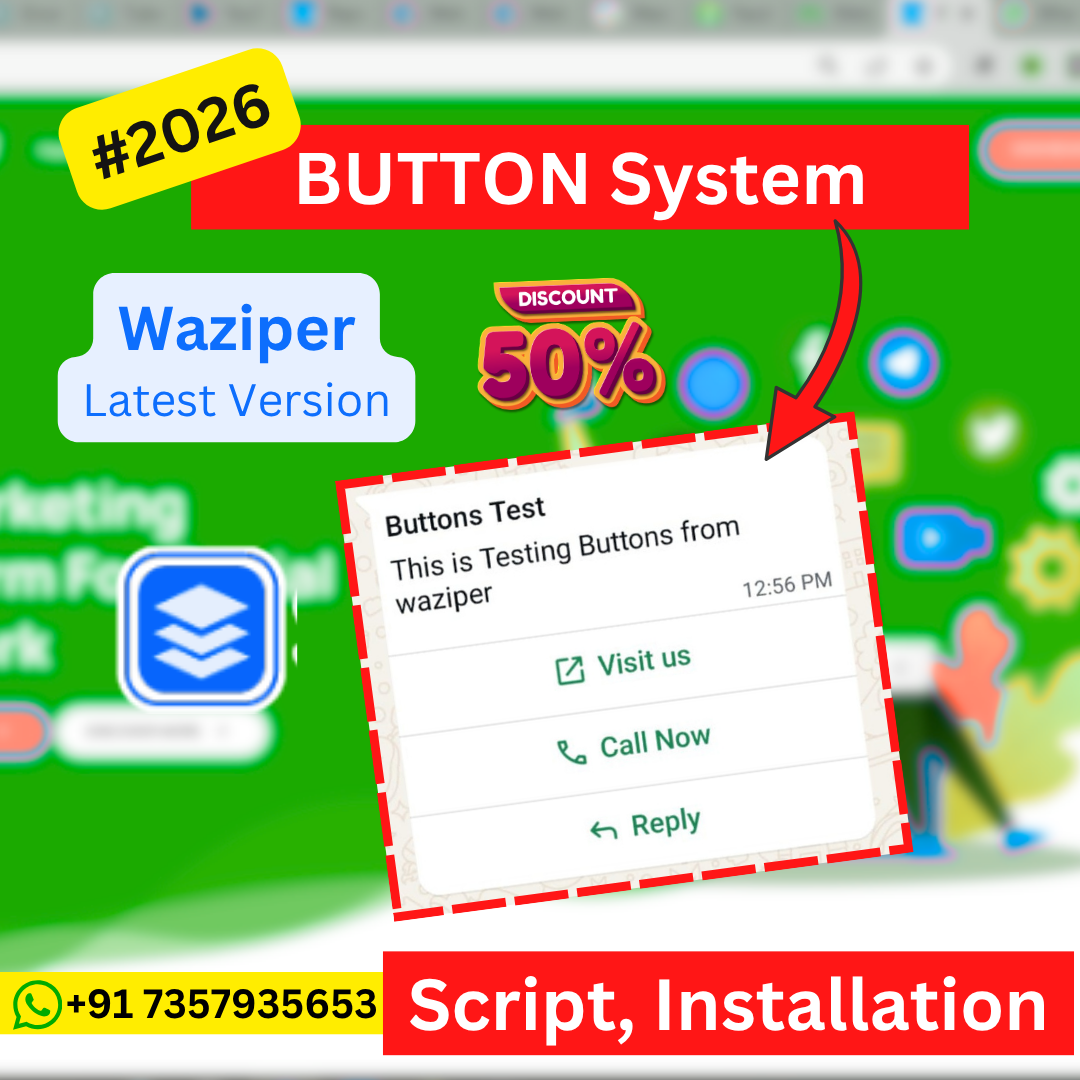
WAZIPER BUTTON SYSTEM Reseller Software for Whatspp
WAZIPER BUTTON SYSTEM is a self-hosted Node.js WhatsApp API automation platform and reseller software. Connect WhatsApp via QR code, send messages through a REST API, and build reseller-ready WhatsApp automation services on your own server — no monthly SaaS fees.
What Is WAZIPER BUTTON SYSTEM?
WAZIPER BUTTON SYSTEM is a self-hosted WhatsApp automation and reseller software built on Node.js. It enables you to connect a WhatsApp account via QR code and send messages programmatically through a clean REST API — all running on your own server infrastructure.
WAZIPER is designed for developers, agencies, and businesses that need reliable WhatsApp messaging automation without depending on expensive third-party SaaS platforms. It is also built with a reseller-ready architecture, making it ideal for entrepreneurs who want to offer WhatsApp automation services to their own clients.
Key Features
QR Code Authentication — Connect your WhatsApp account by scanning a QR code served as a Base64 PNG, ready to embed in your application.
REST API — A clean HTTP API for creating instances, sending messages, checking connection health, and managing WhatsApp sessions.
Send Text Messages — Send messages to any WhatsApp number via a simple POST request to the API.
Health Check API — Monitor your WhatsApp connection status programmatically at any time.
Real-time Socket.IO Events — Subscribe to live WhatsApp events through Socket.IO for real-time application integration.
Session Management — Reboot, reconnect, or reset your WhatsApp instance via API without manual intervention.
PM2 Process Manager Support — Run the system reliably in production using PM2 for automatic restarts and process monitoring.
Reseller-Ready Architecture — Instance-based API structure suitable for multi-tenant or reseller WhatsApp services.
Who Is WAZIPER For?
WhatsApp Automation Businesses — Automate customer messaging, notifications, and alerts through your own WhatsApp-connected API.
Developers & Agencies — Integrate WhatsApp messaging into web apps, CRMs, and marketing tools using the REST API.
Resellers & SaaS Entrepreneurs — Build and operate a WhatsApp automation service for clients on your own infrastructure.
Businesses Needing API Integration — Connect WhatsApp to backend systems for automated order confirmations, OTPs, or customer support messages.
How It Works
Install on your server — Deploy WAZIPER on a VPS or dedicated server running Node.js 20+.
Configure your access key — Set a secure access key in Config.js to protect your API endpoints.
Create a WhatsApp instance — Call the
/api/create_instanceendpoint to generate a new session and receive a QR code URL.Authenticate via QR code — Scan the QR code with your WhatsApp mobile app to connect the session.
Send messages via API — Use the
/api/sendendpoint to send text messages to any WhatsApp number.Monitor with Socket.IO — Subscribe to real-time events for connection status and message delivery.
Benefits of Self-Hosted WhatsApp Automation
Full Data Control — Your session credentials and message data stay on your own server.
No Monthly SaaS Fees — One-time software purchase with no recurring platform charges.
API Flexibility — Integrate with any backend, framework, or programming language that can make HTTP requests.
Reseller Opportunity — Offer WhatsApp automation as a service to clients on your own infrastructure.
Transparent Codebase — Review and modify the Node.js source code to fit your specific requirements.
System Requirements
Node.js 20 or higher
npm (Node Package Manager)
PM2 (recommended for production deployments)
A VPS or dedicated server with internet access
Installation Overview
Upload the WAZIPER source files to your server.
Run
npm installto install all dependencies.Configure your
access_keyand server settings inConfig.js.Start the application with
npm startor manage it with PM2:pm2 start app.js --name waziper.Call
/api/create_instanceto create your first WhatsApp instance and scan the QR code.
Important Notes
WhatsApp™ is a trademark of Meta Platforms, Inc. WAZIPER BUTTON SYSTEM is an independent, unofficial automation tool. Use of this software must comply with WhatsApp's Terms of Service. MQ Tech Guru provides this software for legitimate business automation purposes.
One-time purchase · lifetime access.
- Instant download
- Free updates
- Priority support
- Secure checkout
Your 15-minute window has closed. Generate a new session to continue.